When it comes to professional photo editing, Adobe is one of the most trusted names in the creative industry. From photographers and designers to social media creators and marketing professionals, millions of people rely on Adobe’s photo editing software every day.
However, one very common question people ask before committing to a subscription is simple and practical: Is Adobe photo editing software available with a free trial?
The answer is yes. Adobe does offer free trials for most of its photo editing tools. But the details are important. The trial period, included features, limitations, and cancellation rules all matter if you want to make the right decision. This article explains everything clearly so you can understand how Adobe’s free trial works and whether it is right for you.
What Is Adobe Photo Editing Software?
Adobe photo editing software refers to a group of applications designed for editing, retouching, organizing, and enhancing images. These tools are widely used in professional photography, graphic design, digital marketing, and content creation.
Some Adobe tools focus on advanced image manipulation, while others are designed for quick edits and photo organization. Together, they cover almost every photo editing need, from basic adjustments to complex professional workflows.
Does Adobe Offer a Free Trial?
Yes, Adobe offers a free trial for most of its photo editing software. In most cases, the free trial lasts for 7 days. During this time, users get full access to all features of the selected software.
This means the free trial is not a limited or demo version. You can use the same tools that paid users use, including advanced editing features, export options, and cloud services.
Adobe Photoshop Free Trial Explained
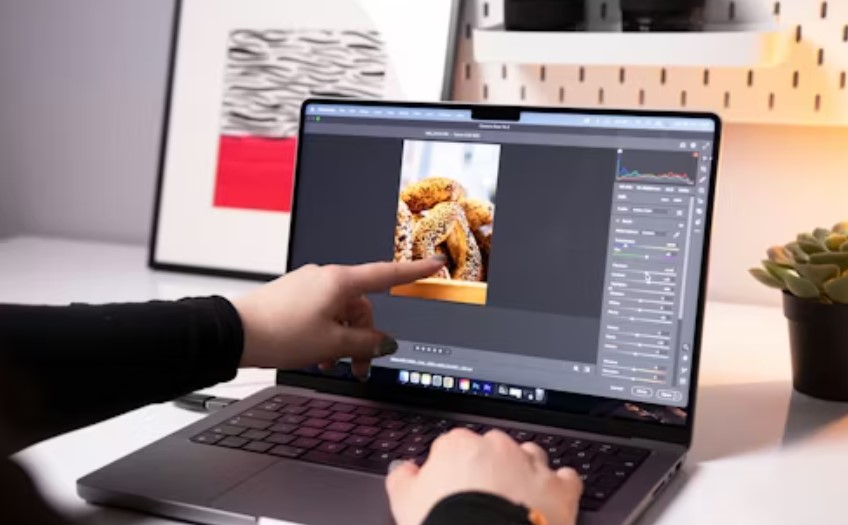
Adobe Photoshop is one of the most powerful and popular photo editing tools in the world. It is widely used for photo retouching, graphic design, digital art, and image manipulation.
With the Photoshop free trial, users can:
- Edit photos without watermarks
- Use layers, masks, and filters
- Apply advanced color correction tools
- Work with high-resolution images
- Save and export files in multiple formats
The Photoshop free trial usually lasts for 7 days. After the trial ends, you must choose a subscription plan to continue using the software.
Adobe Lightroom Free Trial for Photographers
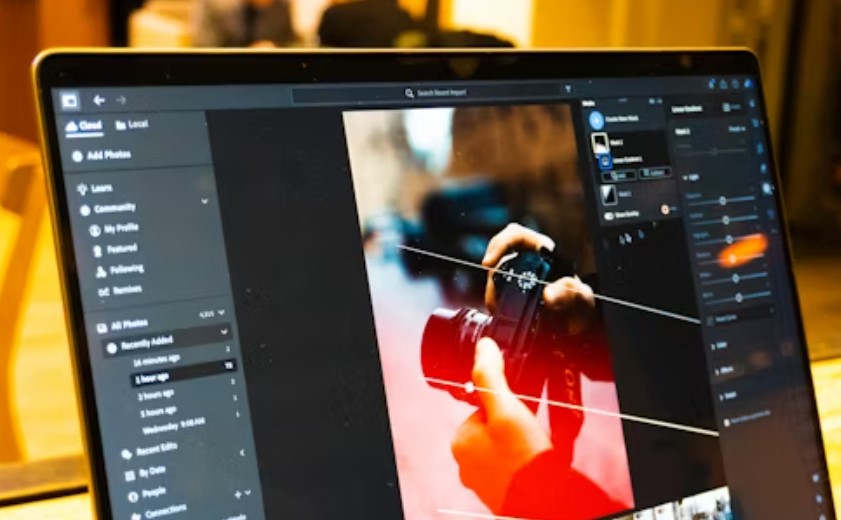
Adobe Lightroom is designed mainly for photographers who want an efficient way to edit and organize large numbers of photos. It focuses on color correction, lighting adjustments, presets, and photo management.
During the Lightroom free trial, users can:
- Edit RAW and JPEG images
- Use professional presets
- Organize photos with albums and tags
- Sync edits across devices
Both Lightroom (cloud-based) and Lightroom Classic (desktop-based) are usually included in Adobe’s free trial options.
Is Adobe Photoshop Express Free?
Adobe Photoshop Express is different from Photoshop and Lightroom. It is a lightweight photo editing app available on mobile devices and web browsers.
Photoshop Express offers a free version that users can access without any trial limit. The free version includes basic editing tools such as cropping, resizing, filters, and simple adjustments. However, some advanced features require a paid upgrade.
How Long Does Adobe Free Trial Last?
The standard Adobe free trial duration is 7 days. This applies to most individual apps as well as bundled plans like the Photography Plan.
Important things to remember:
- The trial starts immediately after activation
- It cannot be paused
- Each account usually gets one trial per app
Do You Need a Credit Card for Adobe Free Trial?
Yes, Adobe usually requires a valid payment method to start a free trial. This is done so that the subscription can continue smoothly if you decide to keep using the software after the trial ends.
However, you are not charged during the trial period. If you cancel before the trial ends, no payment will be deducted from your account.
What Happens After the Free Trial Ends?
When the free trial period ends, Adobe automatically converts the trial into a paid subscription unless you cancel. If you do not want to continue, it is important to cancel before the last day of the trial.
If the subscription starts, you will be charged according to the plan you selected during signup.
Is Adobe Free Trial Worth Trying?
For anyone interested in professional photo editing, Adobe’s free trial is definitely worth trying. It allows you to explore powerful tools without any upfront cost.
The free trial helps you:
- Test advanced features
- Check system compatibility
- Decide if the subscription is worth the price
Limitations of Adobe Photo Editing Free Trial
Although Adobe’s free trial is generous, it has some limitations:
- Short trial duration
- Requires payment details
- Limited to one trial per account
Still, the trial offers enough time to understand the software’s capabilities.
Adobe Subscription Plans After Free Trial
After the free trial, users can choose from different subscription plans:
- Photography Plan (Photoshop + Lightroom)
- Single App Plan
- All Apps Creative Cloud Plan
These plans are available with monthly or annual billing options.
Are There Free Alternatives to Adobe Photo Editing Software?
There are some free photo editing tools available online. However, they usually lack the advanced features, performance, and professional support that Adobe provides.
For users who want professional-quality results, Adobe’s free trial remains one of the best ways to test premium photo editing software.
Frequently Asked Questions About Adobe Free Trial
Is Adobe photo editing software completely free?
No, Adobe software is not completely free, but it offers a free trial for a limited time.
Can I cancel Adobe free trial anytime?
Yes, you can cancel the free trial at any time before it ends.
Does the free trial include all features?
Yes, the free trial includes full access to all features.
Is there a watermark during the trial?
No, Adobe does not add watermarks during the free trial.
Can students use Adobe free trial?
Yes, students can use the free trial and may also qualify for discounts.
Can I use Adobe free trial on multiple devices?
Yes, as long as you sign in with the same account.
What happens if I forget to cancel?
Your account will be charged according to the selected plan.
Conclusion
So, is Adobe photo editing software available with a free trial? Yes, it is. Adobe offers a reliable and user-friendly free trial that allows users to explore professional photo editing tools without immediate payment.
Whether you are a beginner learning photo editing or a professional evaluating software options, Adobe’s free trial is a smart way to test powerful features before making a commitment.
By understanding the trial terms and using the time wisely, you can decide if Adobe photo editing software is the right choice for your needs.