Adobe software has long been the industry standard for graphic design, video editing, photo manipulation, and document management. Tools like Photoshop, Illustrator, Premiere Pro, and Acrobat are widely used by professionals around the world. However, in recent years, many users have started searching for reliable Adobe software alternatives.
The main reasons are high subscription costs, performance issues on low-end devices, and the learning curve for beginners. Fortunately, modern technology has introduced several powerful tools that can replace Adobe products without compromising quality. Some of these alternatives are free, some are one-time purchases, and others are lightweight yet professional.
In this article, we will explore the top 10 best Adobe software alternatives that can meet the needs of designers, video editors, marketers, content creators, and everyday users.
Here Are The Full Details About Top 10 Best Adobe Software Alternative
1. Affinity Suite (Affinity Photo, Designer, and Publisher)
The Affinity Suite is one of the strongest competitors to Adobe’s creative tools. It includes Affinity Photo, Affinity Designer, and Affinity Publisher, which serve as alternatives to Photoshop, Illustrator, and InDesign respectively.
Unlike Adobe, Affinity products are available with a one-time payment, making them extremely cost-effective. These tools are known for their smooth performance, professional-grade features, and modern interface.
Affinity Photo is excellent for photo editing and retouching, while Affinity Designer works well for vector graphics and UI design. Affinity Publisher is ideal for magazines, brochures, and print layouts.
2. CorelDRAW Graphics Suite
CorelDRAW Graphics Suite is a popular alternative to Adobe Illustrator and InDesign. It has been used by designers for decades and is especially popular in print and branding industries.
CorelDRAW offers powerful vector design tools, typography controls, and color management features. It supports both subscription-based and one-time purchase models, giving users flexibility.
Many professionals appreciate CorelDRAW for its intuitive workflow and strong compatibility with various file formats.
3. GIMP (GNU Image Manipulation Program)
GIMP is a free and open-source alternative to Adobe Photoshop. It is widely used by beginners, hobbyists, and even professionals who prefer open-source software.
Although GIMP’s interface may feel different from Photoshop, it offers advanced photo editing features, layers, masks, filters, and plugins. With proper customization, GIMP can handle most image editing tasks effectively.
Since it is free, GIMP is an excellent option for students, freelancers, and small businesses with limited budgets.
4. DaVinci Resolve
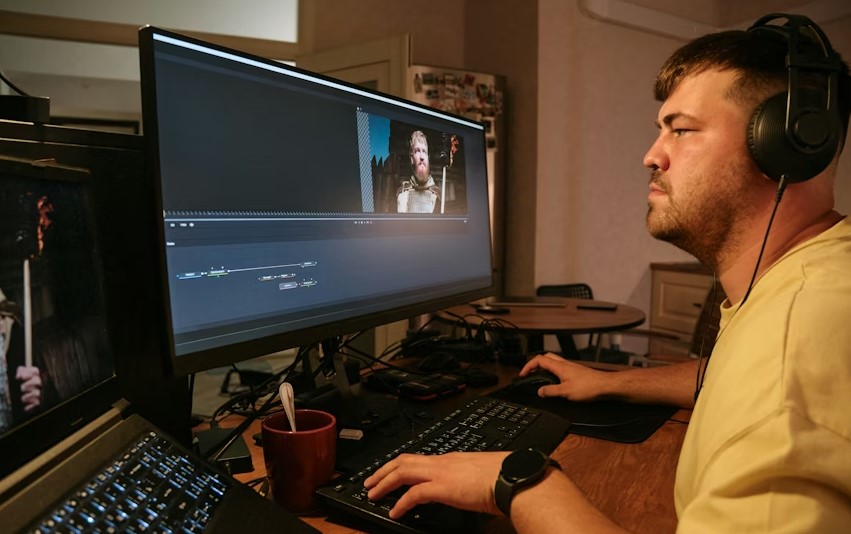
DaVinci Resolve is a powerful alternative to Adobe Premiere Pro and After Effects for video editing and color grading. It is widely used in film and television production.
The free version of DaVinci Resolve offers professional-level tools, including multi-track editing, advanced color correction, audio post-production, and visual effects.
Its paid version adds even more features, but for most users, the free version is more than sufficient.
5. Canva
Canva is a beginner-friendly alternative to Adobe Spark and even Photoshop for simple design tasks. It is widely used for social media graphics, presentations, posters, and marketing materials.
Canva offers a drag-and-drop interface with thousands of templates, icons, and fonts. It is ideal for non-designers who want professional-looking visuals quickly.
While Canva may not replace advanced design tools completely, it is perfect for fast and easy content creation.
6. Inkscape
Inkscape is a free and open-source alternative to Adobe Illustrator. It is designed for vector graphics creation and editing.
The software supports SVG files and offers tools for drawing, text manipulation, gradients, and object alignment. Inkscape is popular among illustrators, web designers, and open-source enthusiasts.
Although it may lack some advanced features found in Illustrator, it is more than capable for most vector design projects.
7. Scribus
Scribus is a strong alternative to Adobe InDesign for desktop publishing. It is widely used for creating brochures, magazines, newsletters, and books.
This open-source tool supports professional layout features such as CMYK colors, ICC color management, and PDF export.
Scribus is especially useful for users involved in print publishing who want a free and reliable solution.
8. Krita
Krita is an excellent alternative to Adobe Photoshop for digital painting and illustration. It is highly popular among artists, concept designers, and illustrators.
The software offers a natural drawing experience with customizable brushes, layers, and advanced painting tools. Krita is free and open-source, making it accessible to everyone.
If your main focus is digital art rather than photo editing, Krita is a great choice.
9. Foxit PDF Editor
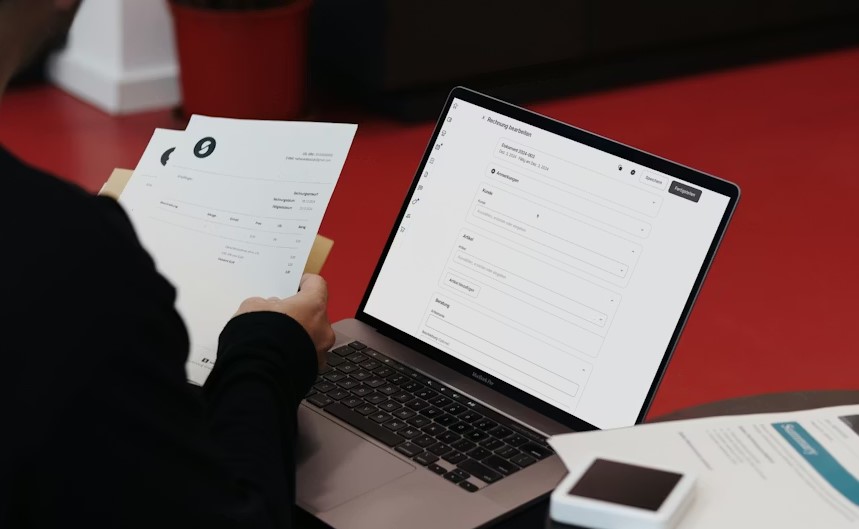
Foxit PDF Editor is a reliable alternative to Adobe Acrobat. It is designed for creating, editing, and managing PDF documents.
Foxit is known for its lightweight performance and business-friendly features such as document security, annotations, and form creation.
It is widely used in corporate environments where speed and efficiency matter.
10. Blender
Blender is a powerful open-source alternative to Adobe After Effects and even some 3D tools. It is used for 3D modeling, animation, video editing, and visual effects.
Blender has been adopted by professionals in animation studios and game development. Despite being free, it offers advanced features that rival paid software.
For users interested in 3D and motion graphics, Blender is one of the best options available.
FAQs About Best Adobe Software Alternative
Are Adobe software alternatives suitable for professional work?
Yes, many Adobe alternatives such as Affinity, DaVinci Resolve, and CorelDRAW are widely used by professionals across various industries.
Are free Adobe alternatives reliable?
Free tools like GIMP, Inkscape, Krita, and Blender are reliable and regularly updated by active communities.
Can Adobe files be opened in alternative software?
Most alternatives support Adobe file formats like PSD, AI, and PDF, although some advanced features may not transfer perfectly.
Which Adobe alternative is best for beginners?
Canva and Affinity products are considered beginner-friendly due to their clean interfaces and learning resources.
Are Adobe alternatives cheaper?
Yes, most alternatives are either free or available with a one-time payment, making them more affordable than subscriptions.
Can I switch completely from Adobe software?
Many users have successfully switched, depending on their workflow and software requirements.
Which alternative is best for video editing?
DaVinci Resolve is considered one of the best video editing alternatives to Adobe Premiere Pro.
Do Adobe alternatives work on low-end computers?
Some alternatives like Foxit PDF Editor and GIMP perform better on low-end systems compared to Adobe software.
Conclusion
Adobe software is powerful, but it is not the only option available today. With the rise of affordable and open-source tools, users now have more freedom to choose software that fits their budget and workflow.
Whether you are a professional designer, a content creator, a student, or a small business owner, there is an Adobe alternative that can meet your needs.
By understanding your requirements and testing different tools, you can find a solution that offers both quality and value. Switching from Adobe does not mean compromising creativity. In many cases, it simply means working smarter.