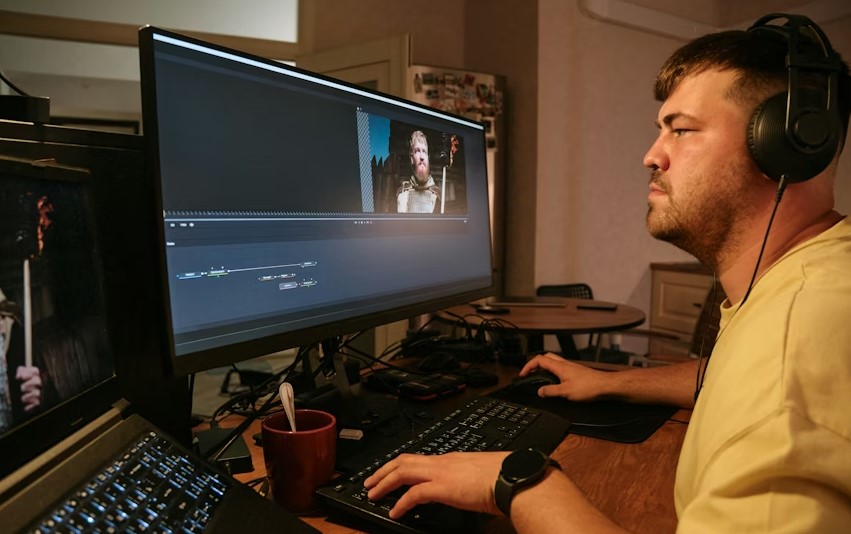
Video editing has evolved rapidly over the past few years. Tasks that once required advanced technical skills, expensive software, and long editing hours can now be completed in minutes with the help of artificial intelligence.
AI video editing software uses smart algorithms to automate complex processes, making video creation faster, easier, and more accessible.
From social media creators and YouTubers to digital marketers and business owners, AI-powered video editing tools are helping users produce high-quality videos without a steep learning curve.
In this detailed guide, we explore the top 10 best AI video editing software, their features, benefits, and ideal use cases.
What Is AI Video Editing Software?
AI video editing software uses machine learning and automation to simplify the video editing process. These tools can automatically cut clips, detect scenes, remove silence, generate captions, enhance audio quality, adjust colors, and even create complete videos from text or templates.
The main advantage of AI video editing tools is efficiency. Instead of spending hours manually editing footage, users can rely on AI to handle repetitive tasks while they focus on creativity and storytelling.
Why AI Video Editing Software Is Gaining Popularity?
The demand for video content is growing across platforms like YouTube, Instagram, TikTok, LinkedIn, and business websites. AI video editing software helps meet this demand by offering:
- Faster content creation
- Easy-to-use interfaces for beginners
- Professional-quality results
- Automatic captions and subtitles
- Smart templates for marketing and social media
Here Are The Full Details About Top 10 Best AI Video Editing Software
1. Adobe Premiere Pro (AI Powered by Adobe Sensei)
Adobe Premiere Pro is one of the most widely used professional video editing tools in the world. Its built-in AI technology, Adobe Sensei, enhances productivity while maintaining full creative control.
Key AI Features:
- Auto Reframe for different screen sizes
- Speech-to-text for captions
- Scene edit detection
- AI-powered color matching
Best for professional editors, filmmakers, and agencies.
2. Final Cut Pro
Final Cut Pro is Apple’s professional video editing software, designed specifically for macOS. It combines high performance with AI-driven tools to speed up editing.
Key AI Features:
- Automatic color balance
- Smart cropping for social media
- Face and object detection
- Machine learning-based video analysis
Best for Mac users and professional content creators.
3. CapCut
CapCut is one of the most popular AI video editing tools for short-form content. It is widely used for social media videos due to its simplicity and powerful automation features.
Key AI Features:
- Automatic captions
- AI background removal
- Smart filters and effects
- Ready-made templates
Best for beginners, influencers, and social media creators.
4. DaVinci Resolve
DaVinci Resolve is known for its advanced color grading and professional editing capabilities. Its AI-powered Neural Engine adds intelligent automation to the workflow.
Key AI Features:
- Face recognition
- Object masking
- Smart reframing
- Voice isolation
Best for professional editors and filmmakers.
5. Pictory
Pictory is an AI-based video editing platform designed to convert text content into engaging videos. It is especially useful for marketing, blogs, and educational content.
Key AI Features:
- Text-to-video automation
- Automatic scene selection
- AI voiceovers
- Subtitle generation
Best for marketers, bloggers, and small businesses.
6. InVideo
InVideo focuses on quick video creation using AI-powered templates. It is widely used for promotional videos and social media ads.
Key AI Features:
- Script-to-video conversion
- AI transitions
- Text-based editing
- Platform-specific resizing
Best for marketing teams and entrepreneurs.
7. Runway
Runway is an advanced AI creative platform offering powerful tools for video editing and visual effects. It is popular among creators experimenting with AI-driven visuals.
Key AI Features:
- Background removal without green screen
- AI video generation
- Motion tracking
- Object removal
Best for advanced users and creative professionals.
8. Descript
Descript offers a unique approach to video editing by allowing users to edit videos like a text document. It is especially useful for podcasts and educational videos.
Key AI Features:
- Text-based video editing
- Automatic transcription
- Filler word removal
- AI voice tools
Best for podcasters, educators, and content teams.
9. VEED
VEED is a browser-based AI video editor focused on speed and simplicity. It is commonly used for subtitles and social media content.
Key AI Features:
- Auto subtitles
- Background noise removal
- AI text tools
- Branding automation
Best for small businesses and social media managers.
10. Magisto
Magisto uses AI to analyze footage and automatically create polished videos. It is designed for users who want fast results with minimal effort.
Key AI Features:
- Automatic video storytelling
- Smart editing styles
- AI music matching
- Visual analysis
Best for beginners and small business owners.
How to Choose the Best AI Video Editing Software?
When selecting an AI video editing tool, consider:
- Your experience level
- The type of videos you create
- Platform compatibility
- Budget and pricing plans
- Required AI features
FAQs About Best AI Video Editing Software
What is the best AI video editing software for beginners?
CapCut, VEED, and Magisto are excellent options for beginners due to their ease of use.
Can AI video editing replace human editors?
AI can automate many tasks, but creative decisions still require human input.
Is AI video editing software expensive?
Many tools offer free versions or affordable plans.
Which AI video editor is best for YouTube?
Adobe Premiere Pro, Final Cut Pro, and CapCut are popular choices.
Are AI-generated captions accurate?
Most tools are highly accurate, but manual review is recommended.
Can businesses use AI video editing software?
Yes, many tools are designed specifically for marketing and business use.
Conclusion
AI video editing software has transformed the way videos are created. From beginners to professionals, these tools save time, reduce complexity, and deliver impressive results. The best AI video editor depends on your goals, budget, and content type.
Whether you need advanced professional control or quick social media videos, choosing the right AI video editing software can help you produce high-quality content efficiently and consistently.